
Previewing an object
Open an object and it renders in place, with the viewer its format deserves — no download, no temporary copy, no second application.
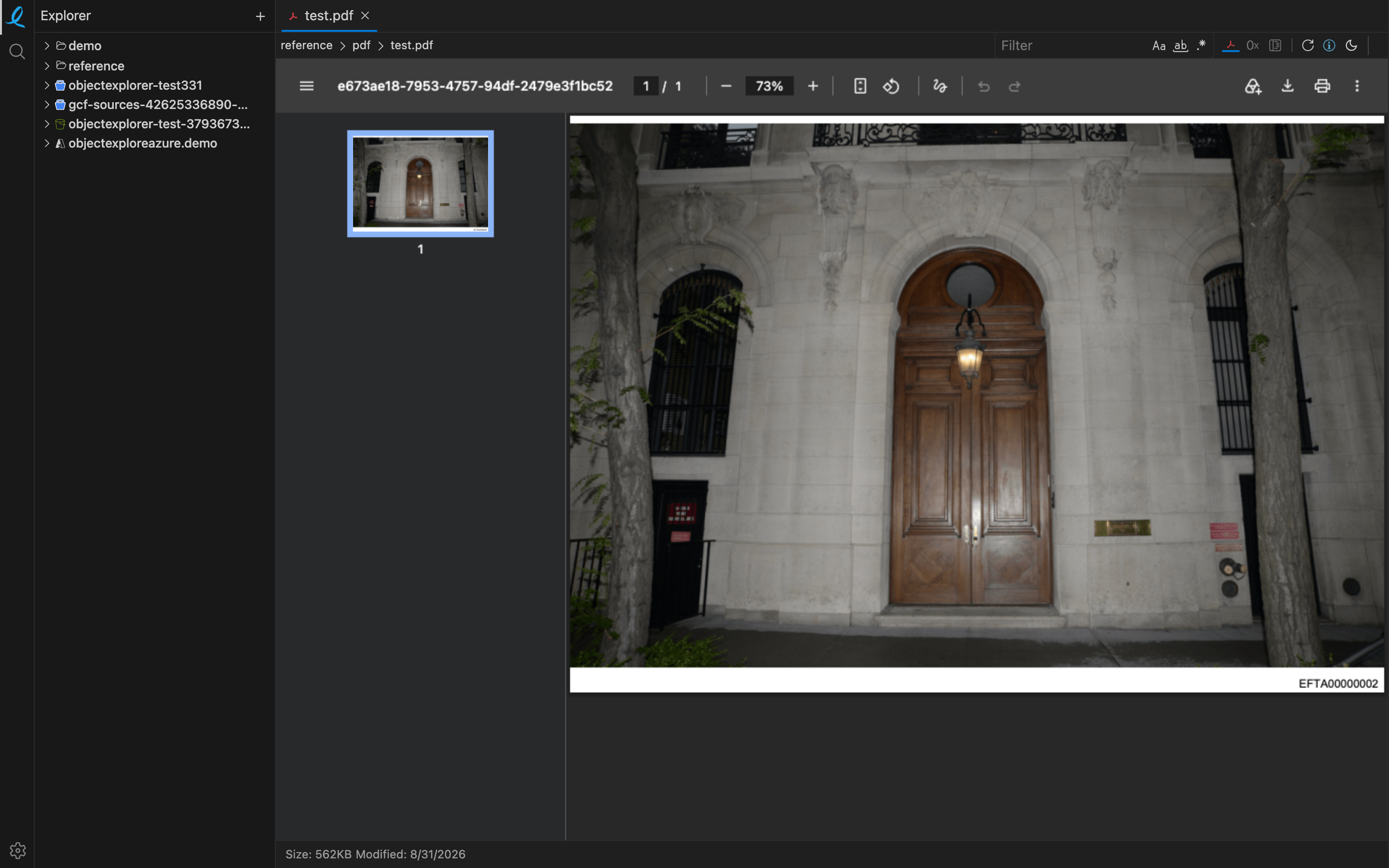
The parser runs in a worker on your machine, reading the bytes the provider streamed back. That is true of every format in the list, from a 40 KB parquet file to a multi-gigabyte object opened in hex.
What decides the viewer
The extension, and then the bytes. A file with no extension, or a wrong one, is sniffed: the first bytes decide, which is how a .hoodie folder is read as a Hudi timeline and a .DS_Store as the binary plist it is.
The toolbar
The icons on the right of the breadcrumb switch what the same object is shown as:
| View | the format's own viewer — a grid, a page, a picture, a waveform |
| Hex | the bytes, always available — see hex |
| Structure | the file's internal shape, where a format has one |
| Share | hand the rows to somebody — see sharing a table |
| Refresh | ask the provider again |
| Info | size, class, first seen, how often it was read |
A tabular object opens as a notebook instead: the grid is the first cell's output, and there is a query above it.
Next: column summaries.